InstalSystem version 5 requires hardware of relatively high computing performance. The software tends to be slower on lower end machines. This is particularly apparent when large files are processed or when other applications run simultaneously. The scale of the problem also depends on the program functions and windows used.
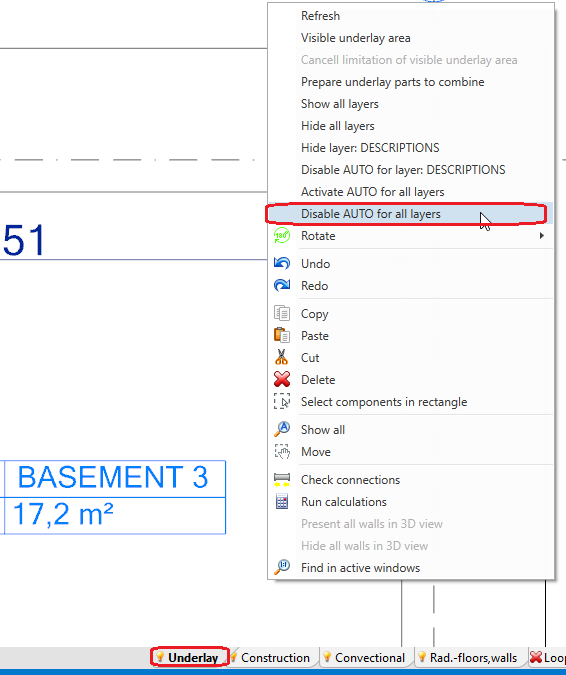
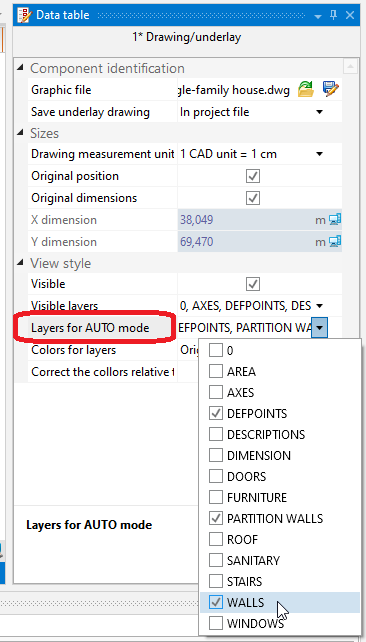
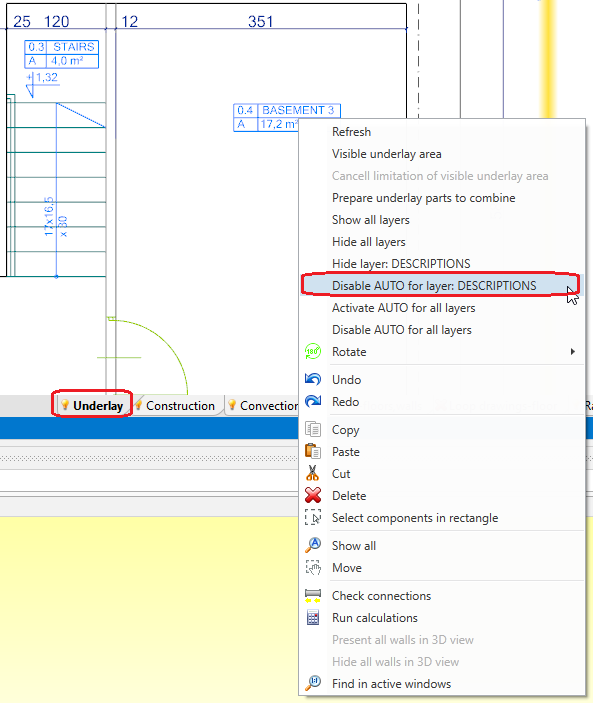
A particular case in which the program may slow down is usage of complex DWG underlays containing a great number of layers and/or a lot of elements, and/or with large drawing dimensions.
Solution
General recommendations
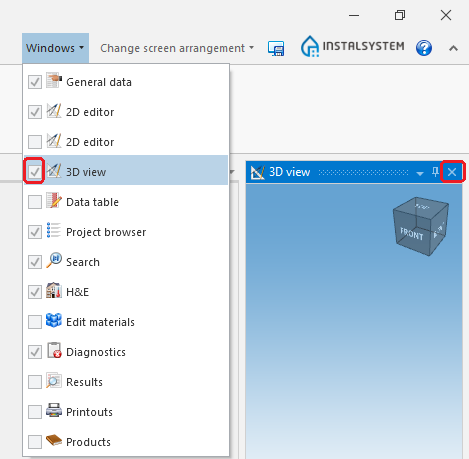
Close all windows that are not needed (particularly the resource-intensive module 3D view). 1. 3D Editor
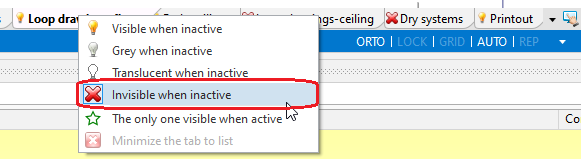
Hide editing scopes that are not used. 2.Hide edit scopes.
Exit all applications and services running in the background that are not used at the moment.