Creating network profiles
| Product | NetSystem 5 |
| Type of article | Functions and tools |
| Source for translation | 2025-04-13 |
Description
This article describes the methods of creating Profiles of Water supply networks and Sewage networks.
The profile creation feature allows to:
- automatically generate network profiles based on the prepared network. Profiles are created according to user-defined routes. The appearance can be manually configured.
- manually create network profiles without performing calculations.
Location in the program
- Icons of components and functions for the Main tools creation are available on the Main tools bar in the Profiles section when Water supply networks or Sewage networks scope is active:
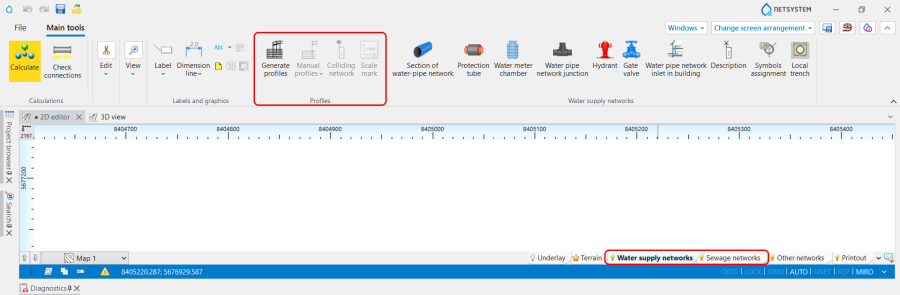
1. Profiles icons of components and functions .

Examples of use
The path for generating Automatic profiles is the following:
- Open Project browser and select Profiles Water supply networks scope;
- Choose Automatic profiles / Profile route definitions;